Most advice on the best time to post on Instagram comes as a neat chart: Wednesday at 11 a.m., Thursday at 9 a.m., avoid weekends. Those charts are built from millions of posts, but almost all of them come from accounts in North America and Europe. If your customers are in Dubai, Doha, Riyadh or Damascus, or if you run a business in Syria from abroad, that chart is describing somebody else’s audience.
This guide shows you how to find the best time to post on Instagram for your own account, using your own data and free tools. You will learn how to read Instagram Insights, which six free tools are worth your time, and how to run a four-week posting test that ends with a schedule you can trust. Tool details and free-plan limits are current as of November 2026 and can change, so check each tool’s official page before you rely on it.
Is there one best time to post on Instagram for everyone?
No. There is no single time that works for every account, because the right time depends on where your followers live and how their day is structured, not on global averages.
The big benchmark studies published by scheduling platforms disagree with each other in ways that tell you something. One points to early mornings, another to mid-afternoon, a third to late evenings and weekends. Each study reflects the customers of the company that ran it. None of them claims to describe a bakery in Sharjah or a clothing shop in Damascus.
Daily rhythms in the Middle East are genuinely different. The UAE moved its official weekend to Saturday and Sunday in 2022, Saudi Arabia and Qatar keep a Friday–Saturday weekend, and Syria’s official weekend is also Friday and Saturday. Evenings run later, especially in summer. During Ramadan the whole curve shifts after iftar. In Syria, scheduled power cuts in some areas change when people are actually online.
So the useful question is not “what is the best time to post on Instagram in general?” It is “when are my followers online, and when do they actually engage with what I publish?” Your account already holds that answer.
What do you need before you start?
Three conditions, all free:
- A professional account. A professional account is a Business or Creator account that unlocks analytics and scheduling tools. Switching is free in Settings, under account type and tools.
- At least 100 followers. According to the Instagram Help Center article on insights, total follower insights, including the times your followers are most active, appear once the account has at least 100 followers.
- A public account. Private accounts do not get insights.
One detail that catches people out: insights start recording from the moment you switch to a professional account. Nothing is backfilled. If you switched this week, wait at least two weeks before you make decisions from the numbers.
How do you find the best time to post on Instagram in Instagram Insights?
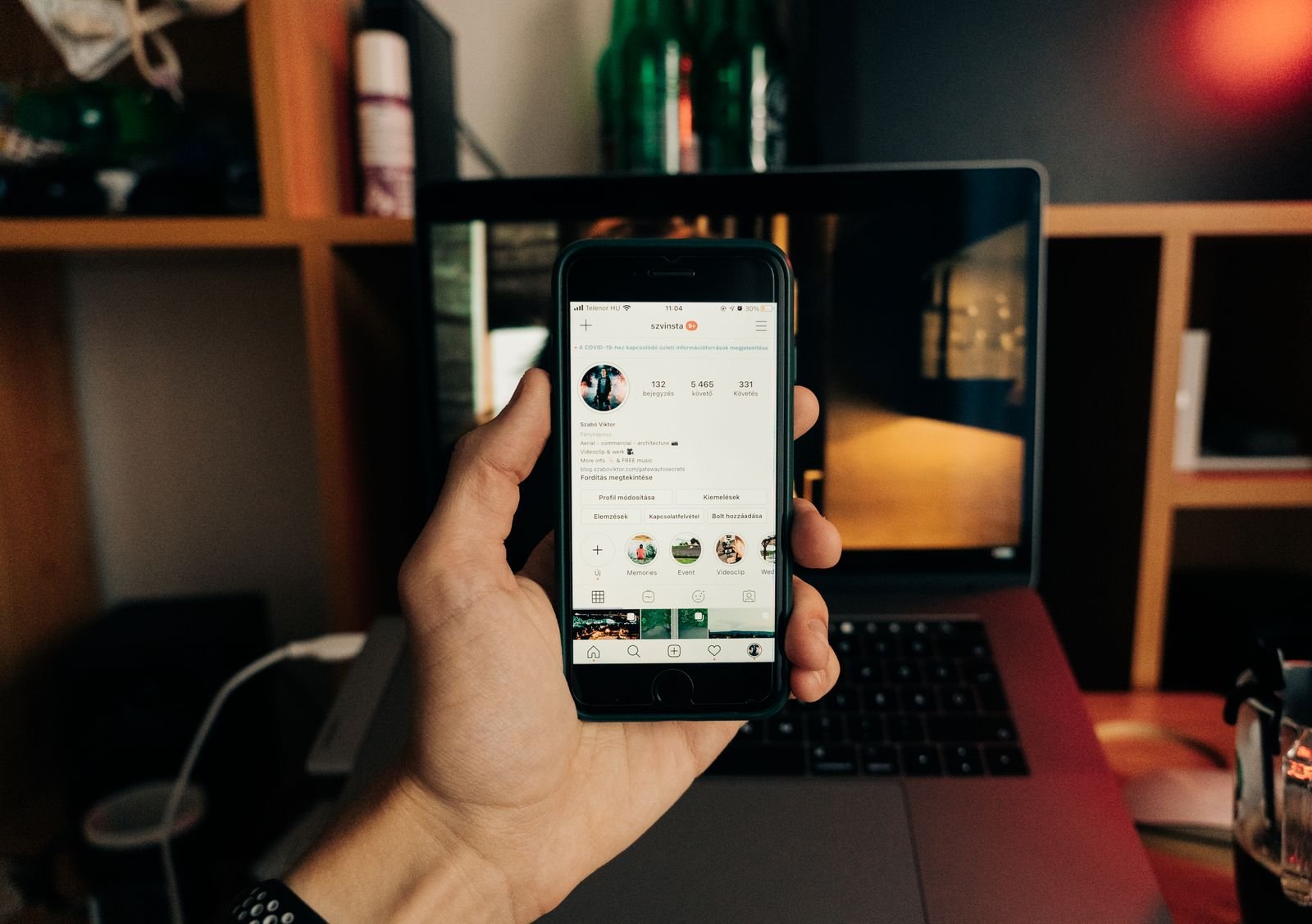
Open your Professional Dashboard, go to your follower insights, and scroll to “Most active times”. You will see two charts: one by hour and one by day of the week.
Step by step:
- Open the Instagram app and go to your profile.
- Tap “Professional dashboard” under your bio, or open the menu and tap “Insights” under “For professionals”. The exact position moves slightly between app versions.
- Tap “Total followers”. If you cannot see it, your account probably has fewer than 100 followers.
- Choose the date range at the top. We prefer the last 30 days, because a single week can be distorted by a holiday or a one-off event.
- Scroll to “Most active times” and switch between the “Hours” and “Days” views.
- Write down the three strongest windows for each day. Taller bars mean a larger share of your followers were on Instagram at that hour.
Keep one limitation in mind. This chart measures when followers are on the app, not when they engage with you. Peak hours are also the most crowded hours, when every other account in your followers’ feeds is posting too. Treat the chart as the starting point for a test, not as the final answer.
Also check your phone’s time zone before you note any times. If you manage a Damascus account from a phone set to Berlin time, you will read the chart two hours off.
Use Instagram Insights on your content, not just your followers
The second section that matters in Instagram Insights is “Content you shared”. Sort your posts by views, reach or shares, then look at when your ten best posts went live. If seven of them were published between 8 p.m. and 10 p.m., that is stronger evidence than the activity chart alone, because it is based on real engagement with your content.
6 free tools to measure audience timing and schedule Instagram posts
You do not need a paid subscription to find the best time to post on Instagram. Every tool below is either fully free or has a free plan that is genuinely enough for a small business account. They are ordered by usefulness, not popularity. Free-plan details come from each tool’s official pricing or help page as of November 2026.
1. Instagram Insights
The analytics built into the app, and the most accurate source because the data comes straight from Instagram. Completely free for any public professional account. Limits: follower data needs 100 followers, and the full insights view is mainly in the mobile app. Works in the Gulf and in Syria without a VPN, since it is part of the app itself.
2. Native scheduling in the Instagram app
Professional accounts can schedule posts and Reels directly in the app. According to Instagram’s official help page on scheduling posts, you can schedule up to 25 posts a day and up to 75 days in advance. Prepare the post, tap “Advanced settings”, then “Schedule”, and pick the date and time. Limits: product tags, collaborative posts and cross-posting to Facebook are not supported for scheduled content. Free, and available in the Gulf and Syria.
3. Meta Business Suite
Meta Business Suite is Meta’s free dashboard for managing a Facebook Page and an Instagram account together. The part that matters here is Planner, a calendar of scheduled and published content. When you create a post, an “Active times” button suggests slots based on recent audience activity. It runs on desktop, which suits anyone who batches a week of content in one sitting. Limits: suggestions can swing after one unusual week, and it does not compare results across time slots for you. Generally works in the browser in both regions.
4. Buffer
Buffer is a multi-platform scheduler. Its free plan, per the official pricing page: up to 3 connected channels, 10 scheduled posts per channel at any one time (a slot frees up as soon as a post publishes), one user, 30 days of analytics history and an AI assistant. The 10-post cap is a queue limit, not a monthly limit. It publishes automatically to Instagram Business and Creator accounts. Limits: paid plans need a card, though the free plan does not. Available across the Gulf; Buffer publishes no statement about Syria, so a VPN may be needed at sign-up there.
5. Metricool
Metricool combines scheduling and analytics, and its “Best Times” feature, included on the free plan, maps when your audience is most active. Free plan, per the official pricing page: one brand, up to 20 scheduled posts a month, 30 days of analytics, five competitor profiles, and no LinkedIn or X. Limits: 20 posts a month suits an account posting four or five times a week. Available in the Gulf; no official statement on Syria.
6. Google Sheets
Google Sheets is not a social media tool, but it is what turns scattered numbers into a decision. Log every post, its publish time and its results after 48 hours, then average each time slot. Free with a Google account. Google services have been returning to Syria gradually during 2026; the experience varies by internet provider, so try without a VPN first.
Tool comparison table
| Tool | Main use | Free plan and limits | Gulf | Syria |
|---|---|---|---|---|
| Instagram Insights | Follower active times and post performance | Fully free; follower data needs 100 followers | Yes, in-app | Yes, in-app |
| Native Instagram scheduling | Schedule posts and Reels from your phone | Free; 25 posts a day, up to 75 days ahead | Yes, in-app | Yes, in-app |
| Meta Business Suite | Content calendar and active-time suggestions | Fully free | Yes | Usually yes, in browser |
| Buffer | Multi-platform scheduling | 3 channels, 10 queued posts per channel, 30-day analytics | Yes | No official statement; VPN may be needed |
| Metricool | Best-times heatmap and analytics | 1 brand, 20 posts a month, 30-day analytics | Yes | No official statement; VPN may be needed |
| Google Sheets | Log the test and calculate averages | Free with a Google account | Yes | Returning gradually; try without VPN |
If you are just starting, the first two tools are enough to find the best time to post on Instagram and stick to it. Add Meta Business Suite if you also run Facebook, and Metricool if you want a ready-made heatmap.
How do you test the best time to post on Instagram in 4 weeks?
The only reliable method is to publish similar content at different times and compare the numbers. This is the plan we use at DMANTRA for small and mid-sized accounts:
- Pick three test windows. Take them from the “Most active times” chart: one morning, one afternoon, one evening. For example 10 a.m., 3 p.m. and 9 p.m.
- Hold everything else steady. Use the same content format in all three windows. If you compare an evening Reel with a morning photo, you are testing the format, not the time.
- Rotate the days. In week one, run window A on Sunday and Wednesday, window B on Monday and Thursday, window C on Tuesday and Saturday. Shuffle the days in week two.
- Schedule everything. Scheduling guarantees the post goes live on the minute, whether or not you are free at that moment.
- Record results after 48 hours. For each post: reach, views, saves, shares and comments. Do not record after one hour; Reels in particular keep spreading for days.
- Average each window. In Google Sheets give each window a column and use AVERAGE. Never judge from one post, since a single strong post can carry the whole average.
- Adopt the winner and retest every quarter. Audience habits shift with seasons, Ramadan and school terms.
For business accounts, judge the best time to post on Instagram by saves, shares and enquiries, not likes. A like costs nothing. A share means the post reached someone who cared enough to pass it on.
Worked example: a café in Dubai with customers in two countries
Let’s say you run a specialty café in Dubai Marina, and your Instagram account has 3,100 followers. Insights show 65% in the UAE and a noticeable group in Saudi Arabia. You post four times a week with no fixed schedule. Here is how you would apply the plan:
- You open Instagram Insights for the last 30 days. Followers are most active from 7 p.m. to 10 p.m., with a smaller bump at 1 p.m. to 2 p.m. Saturday and Sunday are the strongest days.
- In “Content you shared” you see that your three most-saved posts were short Reels showing new seasonal drinks being made.
- You choose three windows: 1 p.m., 7:30 p.m. and 9:30 p.m. Dubai time. Riyadh is one hour behind, so 9:30 p.m. in Dubai lands at 8:30 p.m. in Riyadh.
- Every Thursday you batch next week’s Reels and schedule them in Meta Business Suite.
- You log the results in a simple Google Sheet two days after each post.
- After four weeks, 7:30 p.m. clearly leads on saves, while 9:30 p.m. brings more comments from Saudi followers.
The outcome: 7:30 p.m. becomes your slot for offers aimed at local walk-in customers, and 9:30 p.m. carries general content that also works for the Saudi audience. This example is hypothetical and the numbers are illustrative, but the reasoning applies to any business.
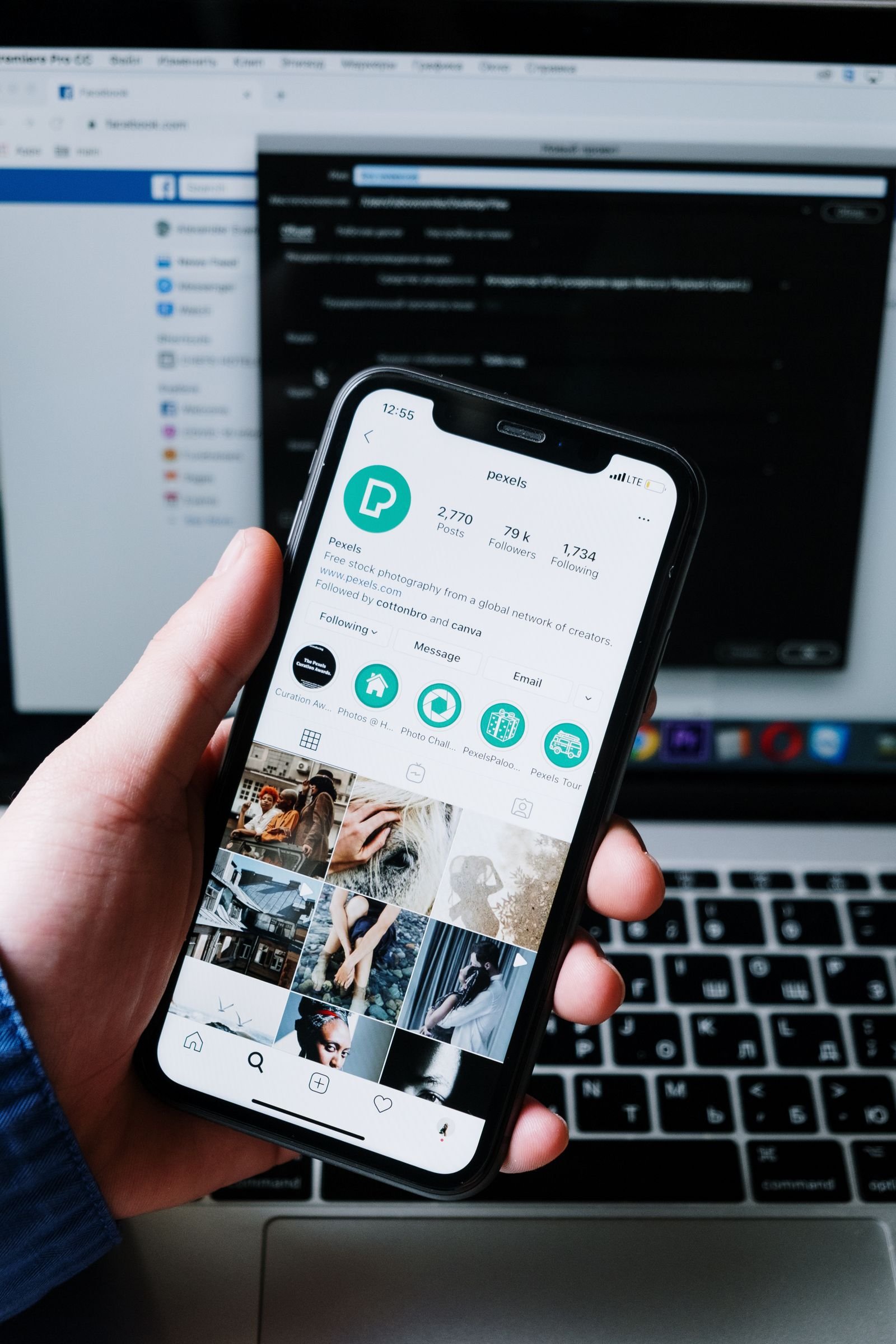
How to schedule Instagram posts so you never miss your window
Knowing the best time to post on Instagram is useless if you cannot post at that time. The window when your audience is most active is often exactly when you are busiest: serving customers, driving home, or with family.
The answer is to schedule Instagram posts in advance. Once a post is scheduled, the file and settings sit on Meta’s servers, so it goes live on time even if your phone is off. For anyone managing a business in Syria from abroad, or a team in Damascus dealing with power cuts, this matters more than the time it saves.
Practical habits that make scheduling work:
- Batch a week of content in one session with a stable connection, and upload everything together. Uploading a high-resolution Reel over a weak connection can fail more than once.
- After scheduling, open your scheduled content list and confirm every post shows the right date and time.
- Finish captions and hashtags before you schedule. Editing a scheduled post is possible, but it takes extra steps.
- Do not schedule limited-stock offers weeks ahead. If stock runs out, you will have to delete the post.
- Watch the first hour after a post goes live if you can. Replying quickly to early comments helps the post keep moving.
If you manage Facebook and Instagram together, Meta Business Suite lets you schedule Instagram posts and Facebook posts from one desktop screen, which is easier than the phone when planning a full week.
What is the best time to post on Instagram for an audience across the Gulf, Syria and Europe?
If your audience is spread across regions, do not hunt for one universal time. Decide which segment matters most for each post, and publish in that segment’s prime time.
Instagram Insights lists your top cities and countries. Open that section first so you know the share of each segment. Then apply a simple rule:
- More than 70% in one country: use that country’s prime time and ignore the rest.
- A mix of UAE and Saudi or Qatar: the UAE is one hour ahead of Riyadh, Doha and Damascus all year. The bigger difference is the weekend: Saturday–Sunday in the UAE, Friday–Saturday in Saudi Arabia, Qatar and Syria.
- A European diaspora audience: Damascus and Riyadh are two hours ahead of Berlin in winter. A 9 p.m. post in Damascus reaches Berlin at 7 p.m., which often works for both.
Content aimed at expatriates, such as gift delivery to family in Syria, deserves a different slot from your daily offers. Keep the two on separate lines in your schedule.
Common mistakes and how to fix them
Copying a generic chart. “Wednesday at 11 a.m.” is based on a different audience. At best, use it to choose your test windows.
Looking for the best time to post on Instagram only once. Your audience changes as your account grows. What held at 500 followers may not hold at 5,000.
Changing everything at once. If you change timing, format and design together, you will not know what made the difference. Change one variable at a time.
Judging after one week. A week with a public holiday, exams or a long outage gives a distorted picture. Four weeks is the sensible minimum.
Fixing timing when the content is the problem. Timing helps a good post; it does not rescue a weak one. If every window performs about the same and the numbers are low, look at the content. Our guide to moving past vanity metrics on social media covers that side.
Mixing up organic and paid timing. Organic timing does not apply to ads, because Meta delivers ads across the day based on your settings. If you run ads for a business in Syria, read our guide on how to pay for Facebook ads from Syria.
Does the best time to post on Instagram differ for Reels, Stories and feed posts?
Usually, yes, because each format lives for a different length of time. A Story disappears after 24 hours, a Reel can keep spreading for days, and a feed post gets most of its engagement in the first hours.
- Stories: post at your followers’ peak, since Stories mostly reach people who already follow you. Instagram Insights is the best reference here.
- Reels: a large share of reach comes from non-followers, so timing matters less. Post a little before your peak so the Reel collects early engagement.
- Feed posts and carousels: test them with the four-week method and watch saves closely.
Run the test on your most important format first, then repeat it for the others. You may find the best time for Stories sits two hours away from the best time for Reels. That is normal.
Ramadan and seasonal shifts
Seasons rewrite the schedule, and the best time to post on Instagram in Ramadan rarely matches the rest of the year. In Ramadan, activity moves to after iftar and runs late into the night, and it drops just before iftar. Summer evenings run later across the region, and exam periods change how students and parents use their phones.
Do not run your normal schedule through these periods. A week before Ramadan, check last year’s Ramadan insights if you have them, or open the month with a short two-window test in week one and lock in the winner for the rest of the month. Do the same before Eid and back-to-school season.
When should you consider social media management in Syria instead of doing it yourself?
Finding the best time to post on Instagram is one piece of a larger job that includes the content plan, design, photography, replying to messages and reading results every month. Many owners start the test with energy and stop after two weeks because the business takes all their time.
If you do not have the time or experience to do this yourself, DMANTRA, a Damascus-based digital marketing agency serving clients in Syria, the Gulf and worldwide remotely, can take it off your hands. Our social media management in Syria and the Gulf starts by reading your current account data, then builds a posting schedule and content plan around your actual audience. You can review our social media management packages, or contact the DMANTRA team and we will tell you honestly whether your account needs full management or whether this guide is enough.
If you are comparing quotes, our breakdown of social media management cost in Syria shows how to read an offer line by line. The advantage of social media management in Syria through a local team is that it understands local habits, from late summer evenings to the change of pace in Ramadan, and can report to owners abroad in plain terms.
Ready-to-use checklist
This checklist sums up how to find the best time to post on Instagram for your account. Copy it and run it every quarter:
- ☐ Account is professional and public, with 100+ followers.
- ☐ Phone time zone matches the market you are reading.
- ☐ Noted the top three active windows from Instagram Insights for the last 30 days.
- ☐ Checked top cities and countries, and chose the priority segment.
- ☐ Ranked the 10 most-saved or most-shared posts and noted their publish times.
- ☐ Chose three test windows and one fixed content format.
- ☐ Scheduled the week’s posts in the app or in Meta Business Suite.
- ☐ Created a tracking sheet in Google Sheets.
- ☐ Recorded results 48 hours after each post.
- ☐ Averaged each window after four weeks and adopted the winner.
Suggested columns for your tracking sheet:
Date | Day | Post time | Format | Reach | Views | Saves | Shares | Comments | Enquiries | Notes
Frequently asked questions
What is the best time to post on Instagram in the UAE?
There is no single correct time for every UAE account. Many accounts see stronger activity in the evening, but the accurate answer for yours is in the “Most active times” chart in Instagram Insights. Confirm it with a four-week test before you lock in a schedule.
Why can’t I see my followers’ most active times?
Usually because the account is personal or private, or has fewer than 100 followers. Switch to a public professional account and give it at least two weeks to collect data.
Do scheduled posts get less reach?
Instagram has published nothing saying scheduled posts get less reach. Scheduling is built into the Instagram app and Meta Business Suite, and it is the best option if you cannot post manually at peak time.
How often should a business post on Instagram?
Consistency beats volume, even once you know the best time to post on Instagram for your account. Three to five good posts a week is better than daily posting that stops and starts. Pick a number you can sustain for three months.
When do I need an agency to manage my Instagram?
When you cannot post consistently and review results, or when Instagram is a main source of customers and you cannot afford months of trial and error. An agency saves that testing time and ties timing to a full content and design plan, which matters most if you run a business in Syria from abroad.
Your first step takes five minutes: open your insights now and write down your top three active windows. That is where finding the best time to post on Instagram for your audience, not someone else’s, begins.